|
902| 0
|
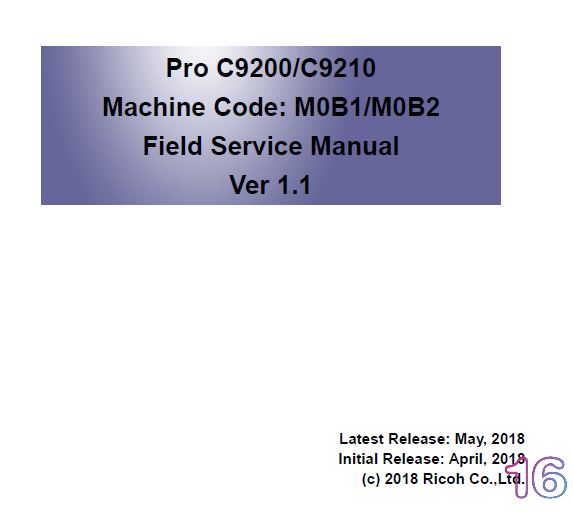
[理光] 理光Pro C9200 ,C9210英文维修手册1.1版本 |
|
理光Pro C9200 ,C9210英文维修手册1.1版本
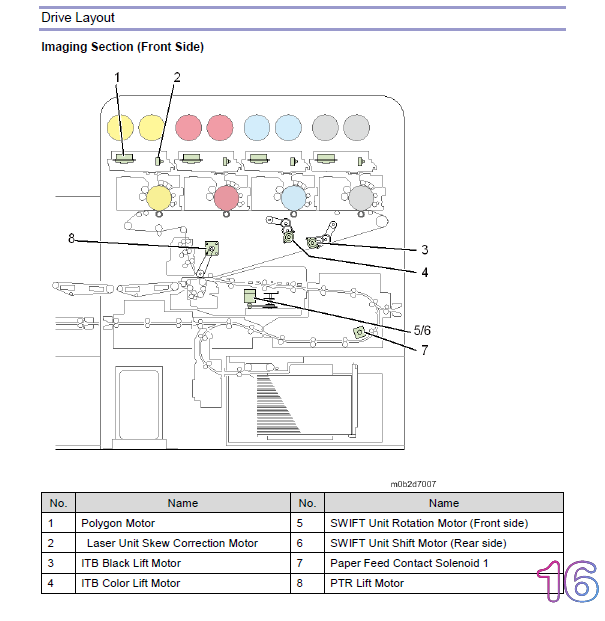
1. Press [Tray Paper Settings] in the upper left corner of the screen. 2. Press [Paper Tray] tab. 3. Press [CustomPaper Management]. 4. Insert an SD card into the media slot on the operation panel. 5. Press [Export]. 6. Press [OK]. 7. Press [Exit]. Importing the data from a SD card 1. Press [Tray Paper Settings] in the upper left corner of the screen. 2. Press [Paper Tray] tab. 3. Press [CustomPaper Management]. 4. Insert an SD card into the media slot on the operation panel. 5. Press [Import]. 6. Select [From SD Card] 7. Select the name of the paper that you want to register. 8. Press [Import]. 9. Press [OK]. 10. Press [Exit]. 通过百度网盘分享的文件:理光Pro C9200 ,C9210英文维修手册1.1版本.pdf 链接:https://pan.baidu.com/s/1TwNytBywa93jZoUCyNFX7w
购买主题
本主题需向作者支付 900 金币 才能浏览
| |
相关帖子福利:活动期间所有用户都可以回帖下载(查看)资料,活动时间已开始截止时间未定。
|
|
 关注公众号
关注公众号相关侵权、举报、投诉及建议等,请发 E-mail:weixiuwang68@qq.com
Powered by Discuz! X5.0 © 2001-2026 Discuz! Team.|滇ICP备2023002119号


 发表于 2024-12-2 08:35:08